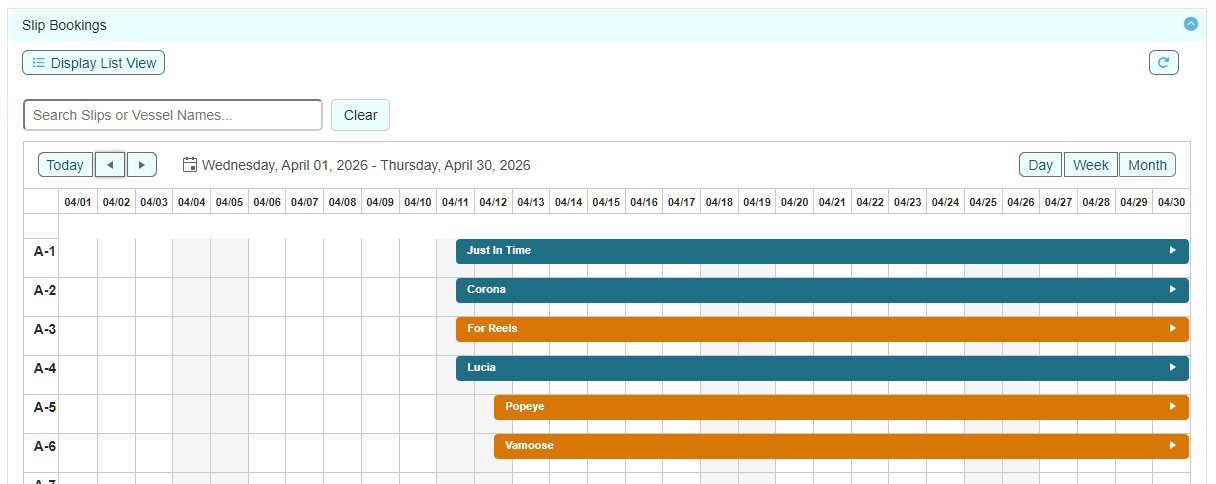
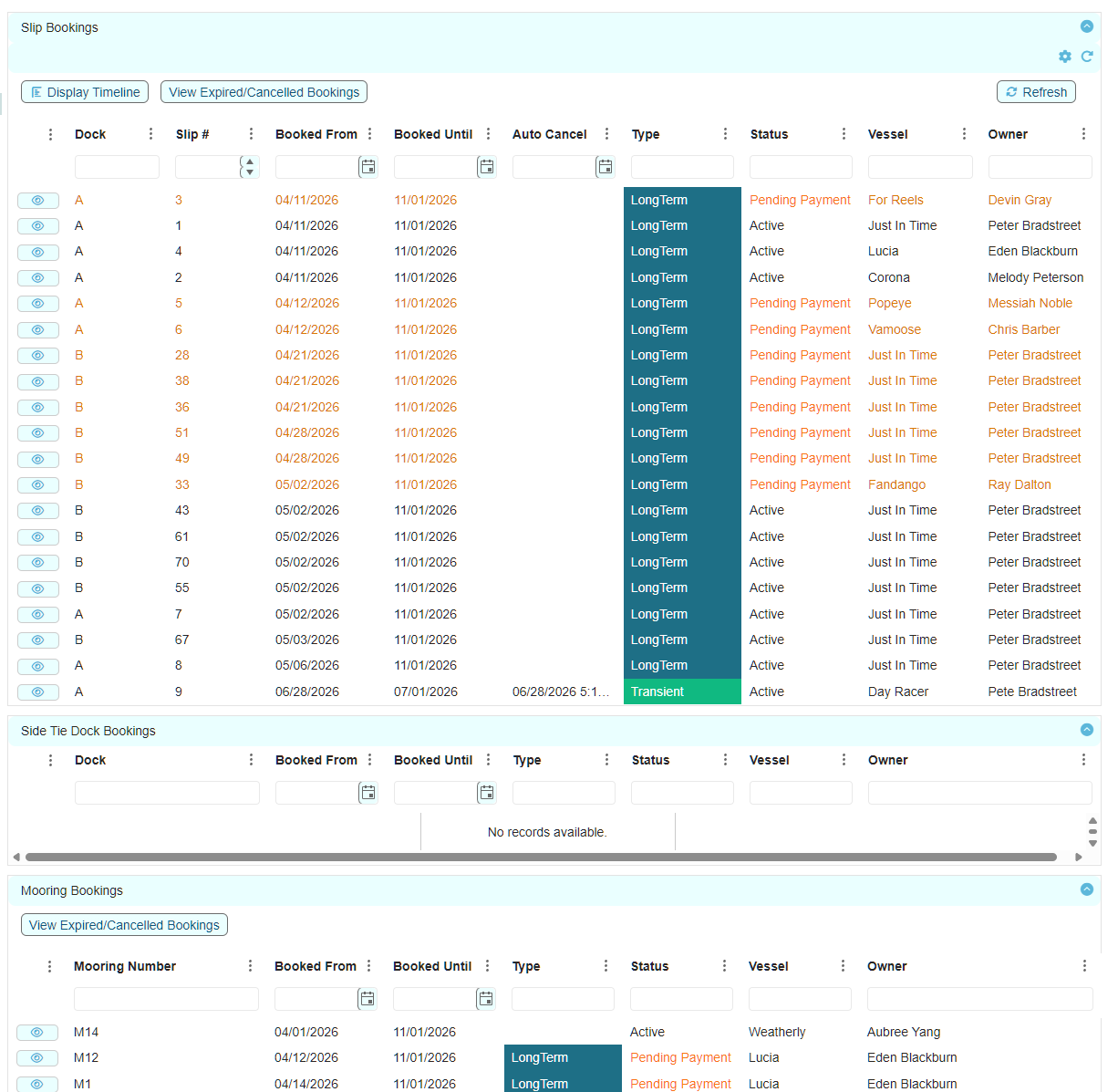
In contrast to the Slips List, the Bookings list/layout displays all present and upcoming slip assignments, transient bookings and staff reservations.
This list provides an easy way to find any booking via the list filters and then drill down into the booking for viewing full booking details and booking actions.
If you prefer to view the bookings in a timeline view, just click on the Display Timeline button. Click on any booking to view booking details. The timeline view also allows you to create seasonal assignments, transient bookings and staff reservations by clicking on an empty cell.